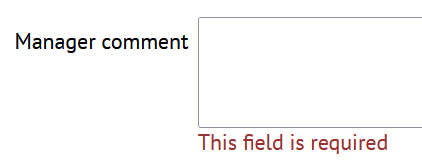
Custom fields Pro
This feature is available in ShiftExec Pro.
With this add-on you can create additional fields to keep custom information about your shifts and time off. For each custom field you can configure which shift or time off type it is applied to that allows you to have different information for various kinds of work and vacation.
Create a new custom field
Go to the main menu, then click Custom fields, then click Add new.
Click Add new.
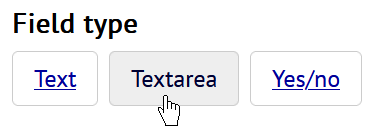
Various kinds of input fields are provided, such as Text, Yes/no and others. Choose the new field type.
Depending on the field type, there could be additional details about the custom field. Also there is a set of properties common to all kinds of custom fields.
- Database name is the system name for the custom field. You would need it later for data export, API queries and more.
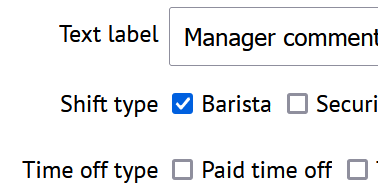
- Text label is a descriptive name for the field to be used in the shift and time off detail screens.
You can define which shift and time off types you will use this field for.
View and edit custom field content
When you open a shift or a time off detail screen and this shift/time off type has a custom field, you will be able to view and edit this field content.
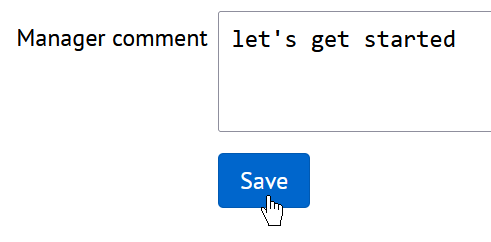
Click the Edit link to change the field content.
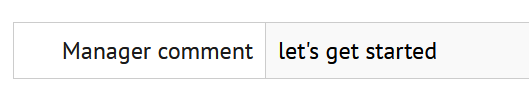
In the shift/time off detail screen you can see the custom field content.
Custom fields validation
You can provide various validation rules for your custom fields. The set of available validation rules will depend on the field type. Also there are common validation options that can be applied to the fields of all types.
Go to Custom fields, click on a custom field, then go to the Validation tab.
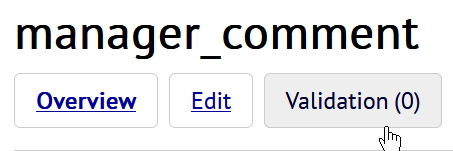
Click Add new to create a new validation rule. You will neew to select the validation type, for example Required field, then provide an error message if the validation fails.
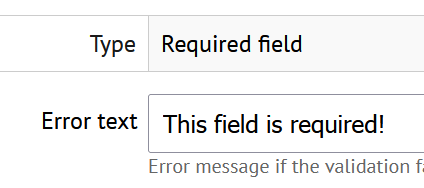
Now this validation rule will check the custom field content.